One-tap connection
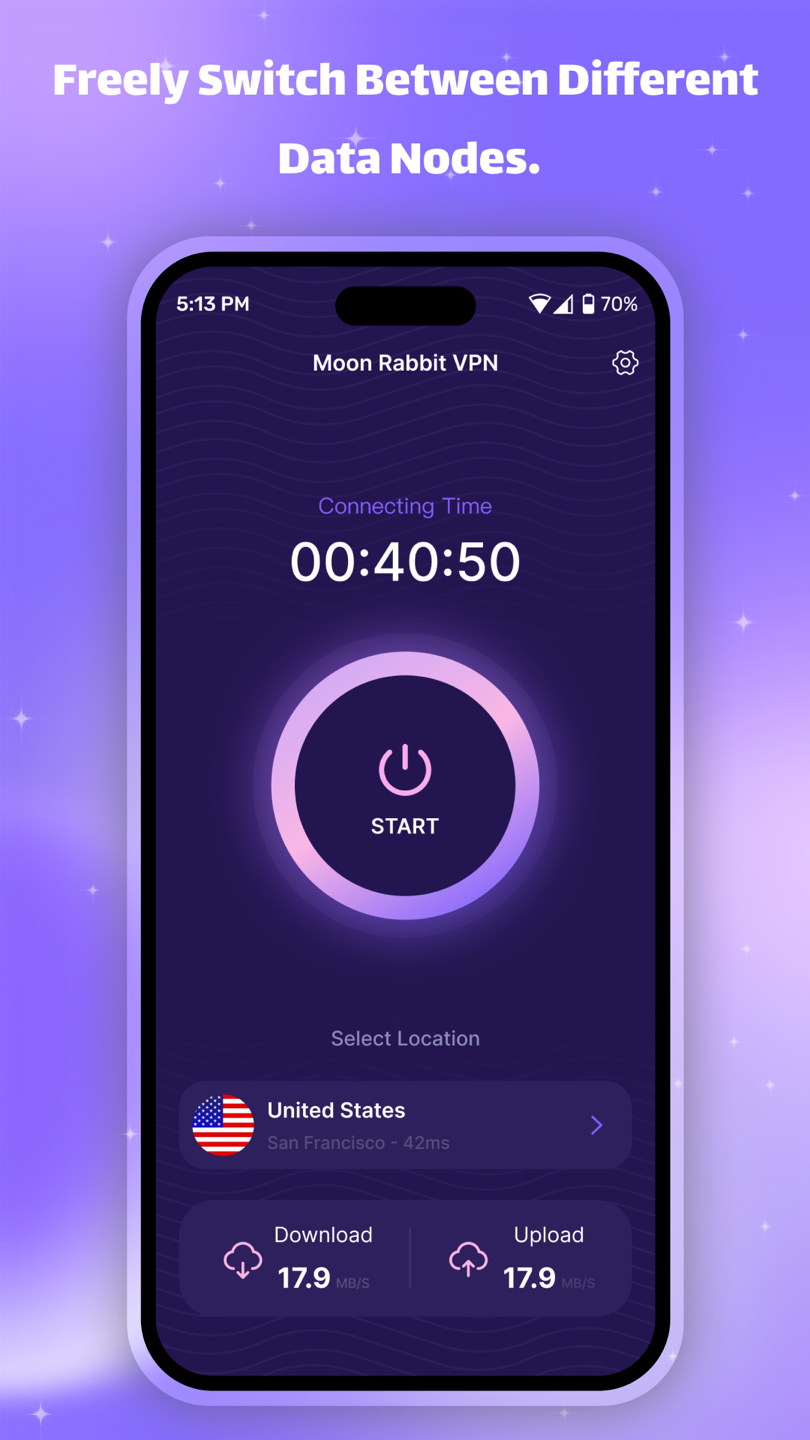
Start from a clear connection control without a complex setup flow.
VPN for Android
One tap to connect. Choose a server, follow connection time, and keep network tools close at hand.
Available for Android · Contains ads

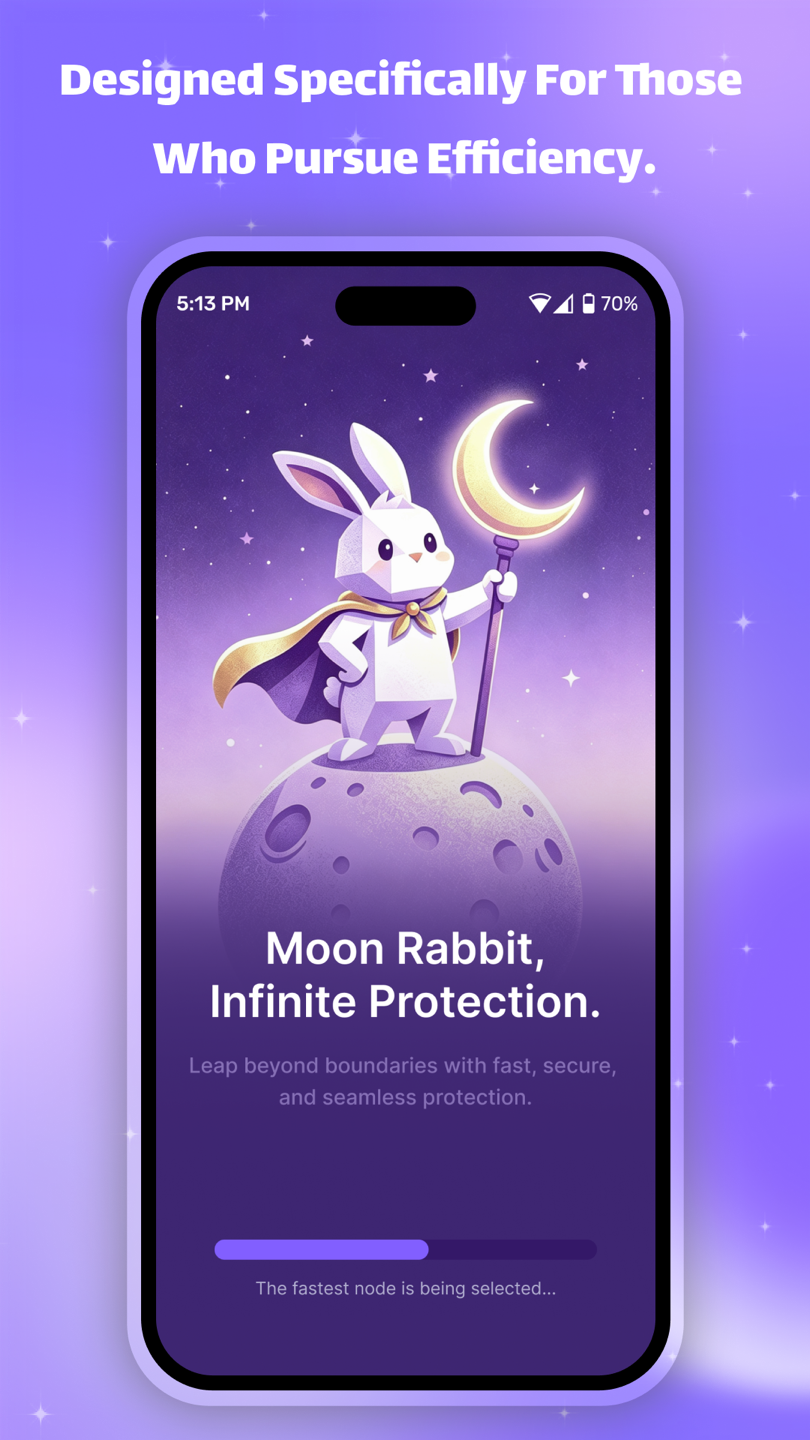 ORBIT
READY
ORBIT
READY
Core controls, close by
Moon Rabbit VPN brings server selection, connection status, speed testing, and node information into one focused Android experience.
Start from a clear connection control without a complex setup flow.
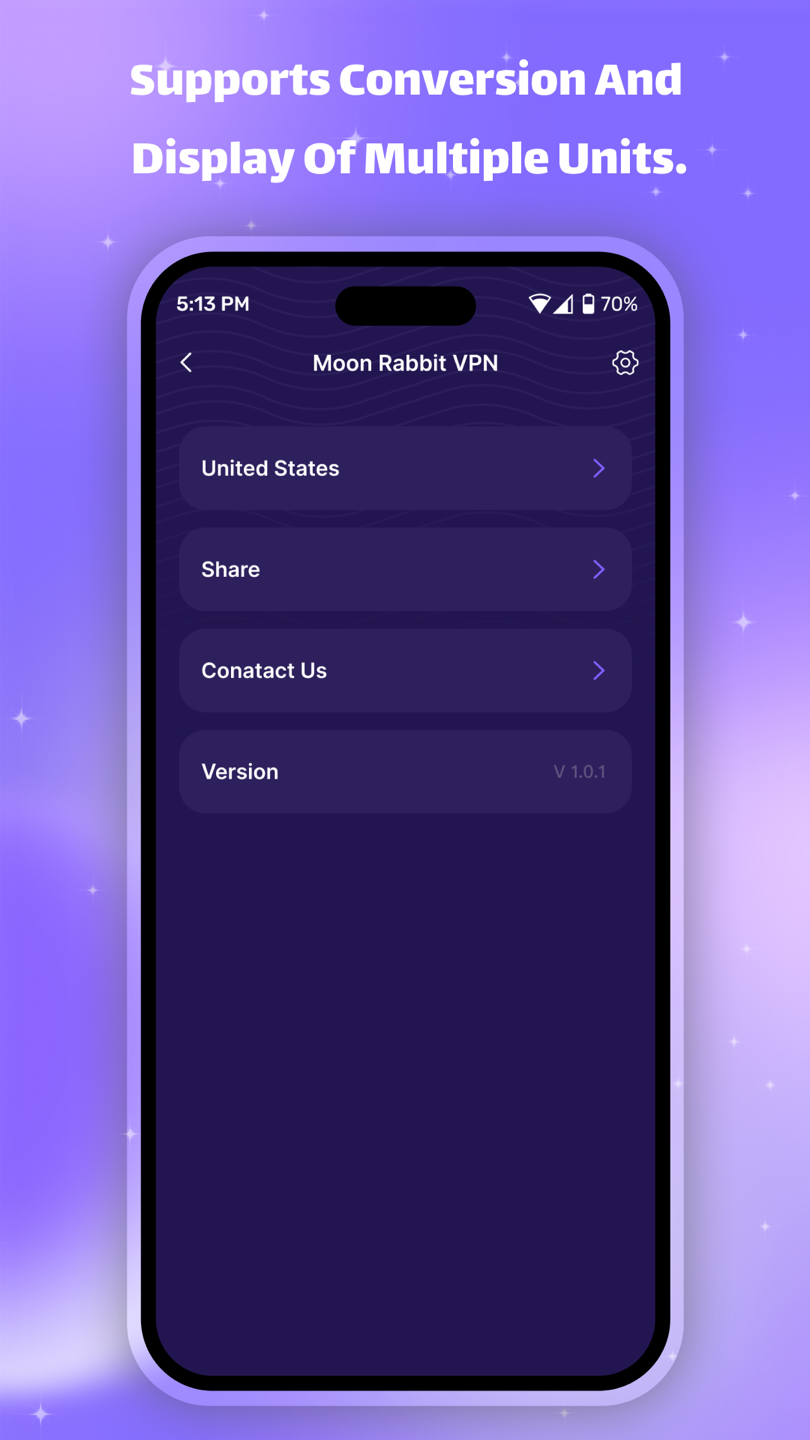
Switch between available server regions directly in the app.
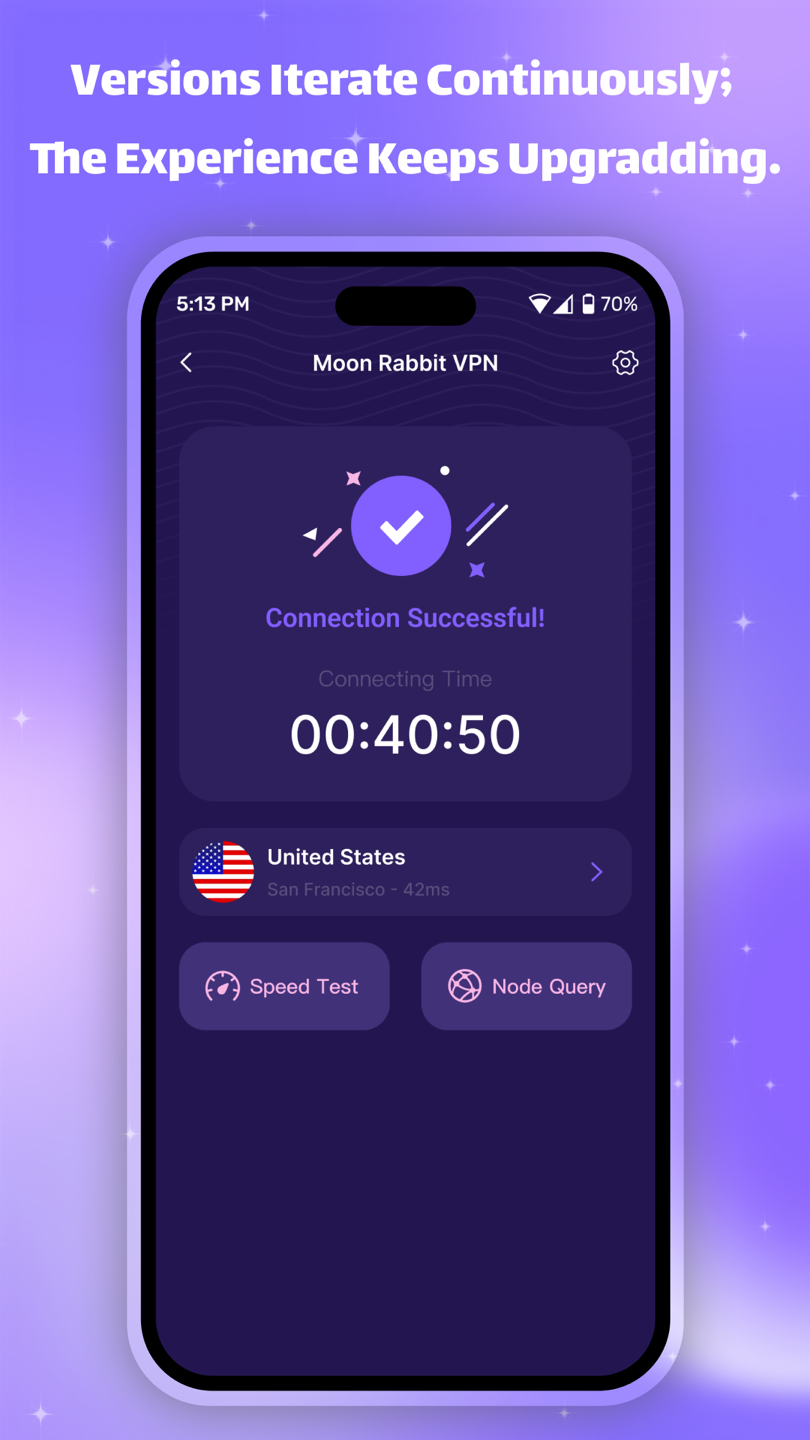
Review connection time and open speed test or node query tools.
Inside the app
Know before you connect
Read the complete Moon Rabbit VPN privacy policy, including collected data, permissions, advertising partners, legal bases, and user rights.
Open the local privacy policy View the original policy source